Table of Contents
How to Use the HubSpot Integration Block
 Updated
by Abby
The HubSpot integration block lets you create, update, or retrieve HubSpot records (contacts, companies, deals, and tickets) directly from your bot flow.
Prefer watching to reading? Watch the HubSpot integration video tutorial
What is HubSpot?
HubSpot is inbound marketing and sales software that helps companies convert leads and close customers. Landbot's native integration lets you create and update HubSpot records directly within your bot flow.
Which events does the HubSpot block support?
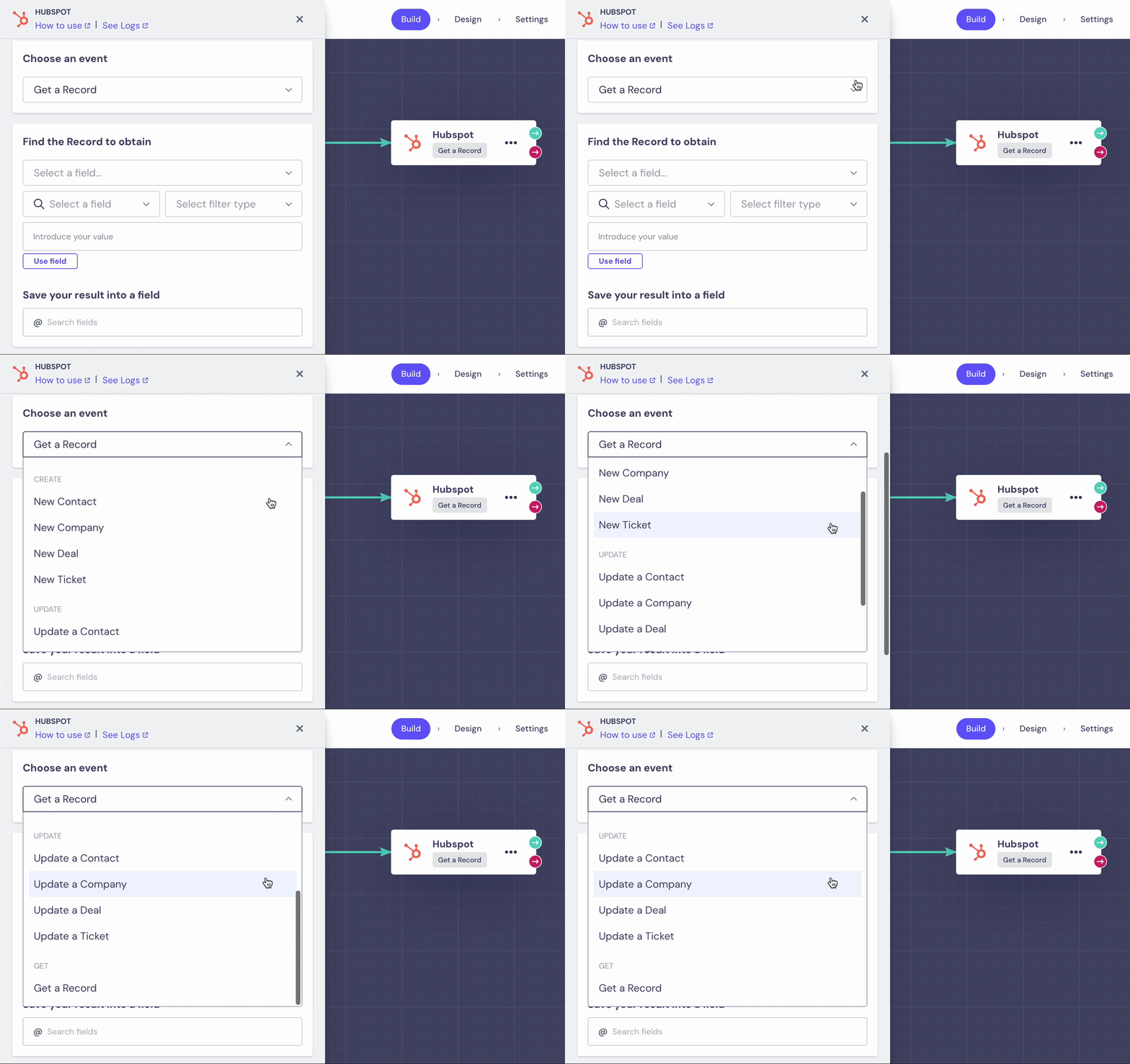
The block supports nine events across three categories:
Create
● New Contact
● New Company
● New Deal
● New Ticket
Update
● Update a Contact
● Update a Company
● Update a Deal
● Update a Ticket
Get
● Get a Record
How do you connect your HubSpot account?
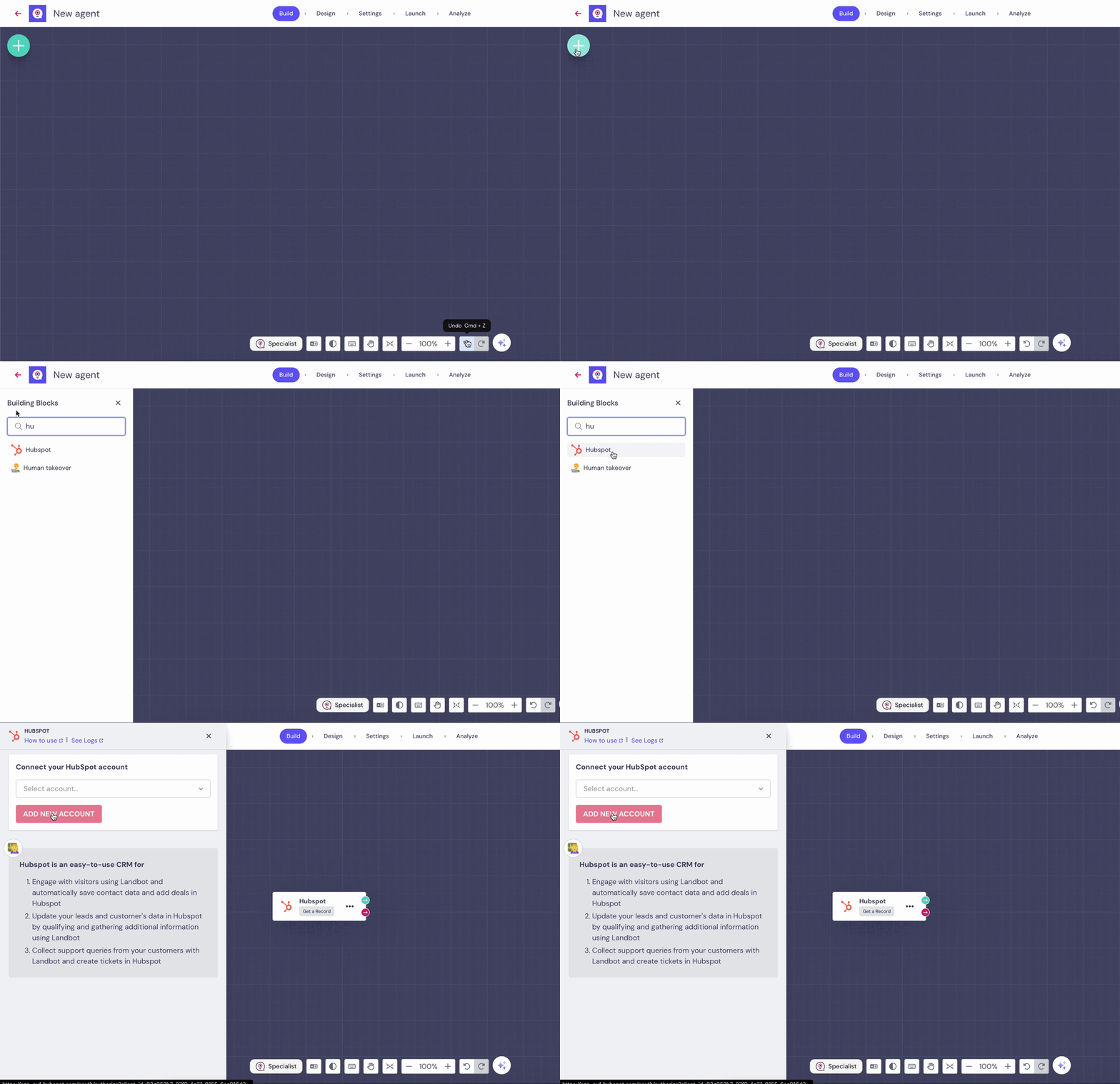
Connect your HubSpot account either directly in the builder, or from the integrations section. To connect in the builder:
1️⃣ Add the HubSpot block to your flow.
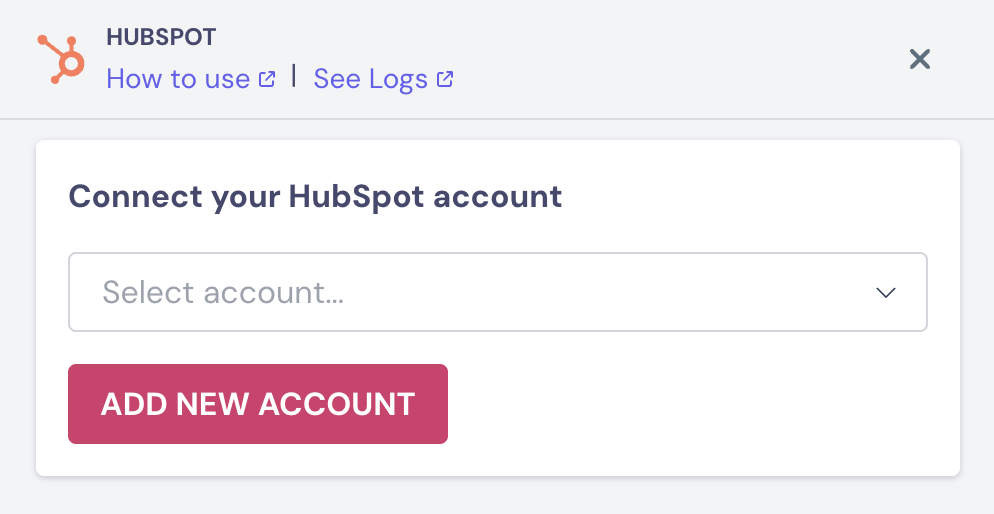
2️⃣ Sync your HubSpot account by logging in.
3️⃣ Select an event from the Create, Update, or Get categories.
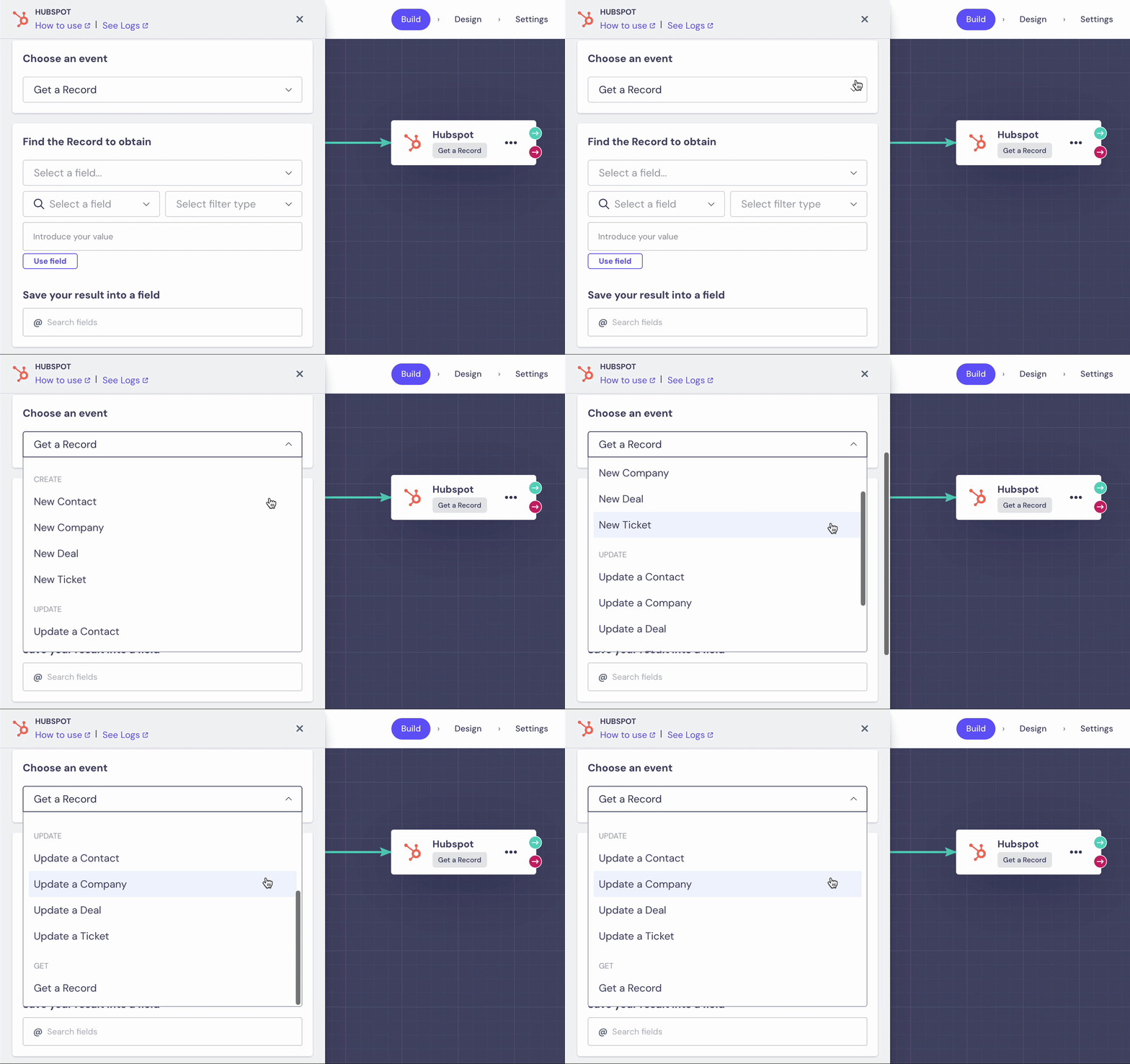
4️⃣ Select Fields to send to HubSpot.
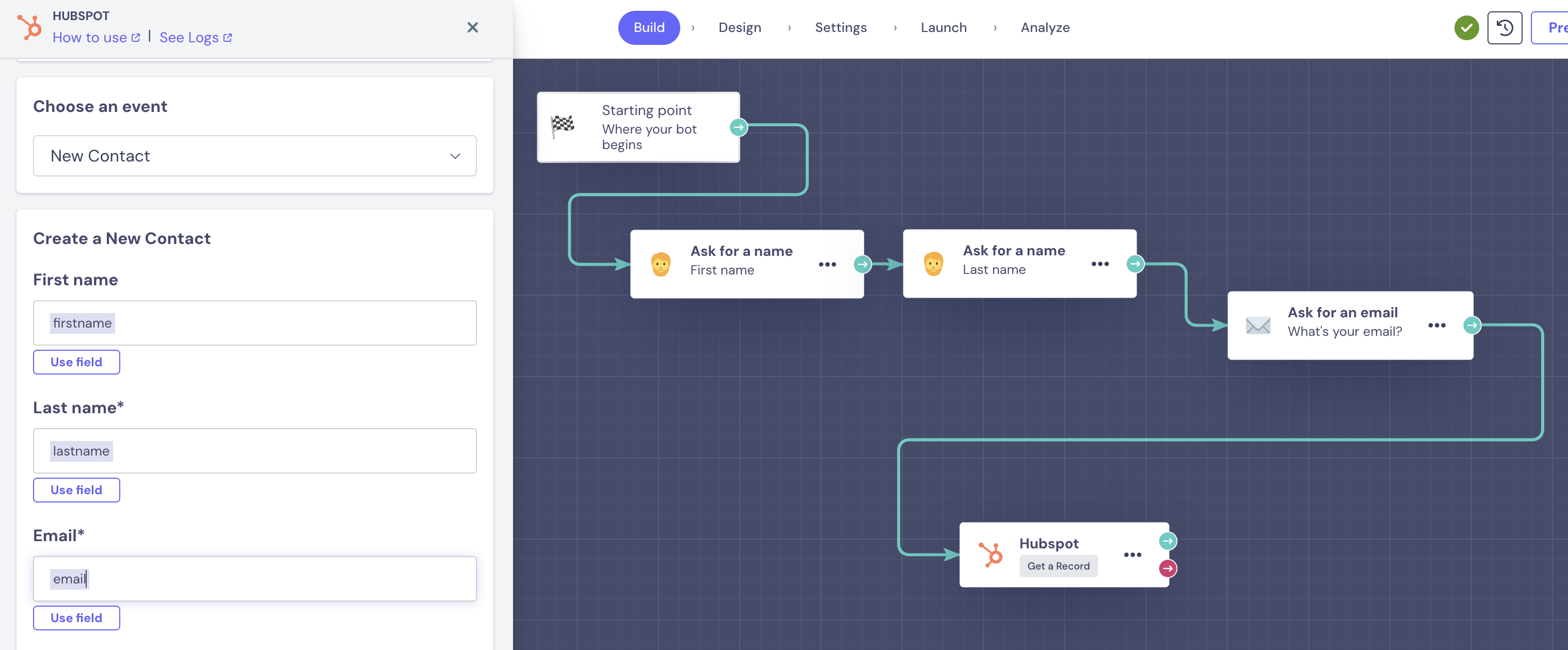
💡Extra fields:
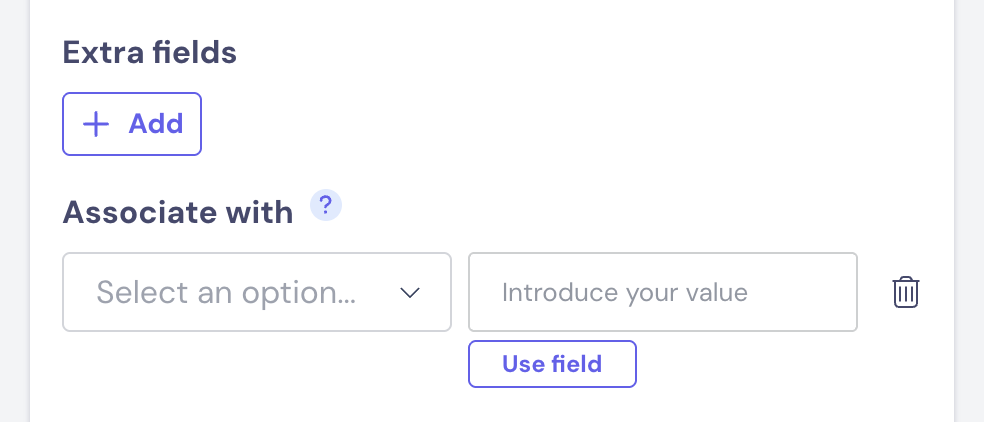
How to get the ID?
To obtain the ID of an object, we must use the GET function based on a result.
e.g: Obtaining the ID by searching for Company Name, Contact email, etc.
The result will allow you to save the ID of the search performed.
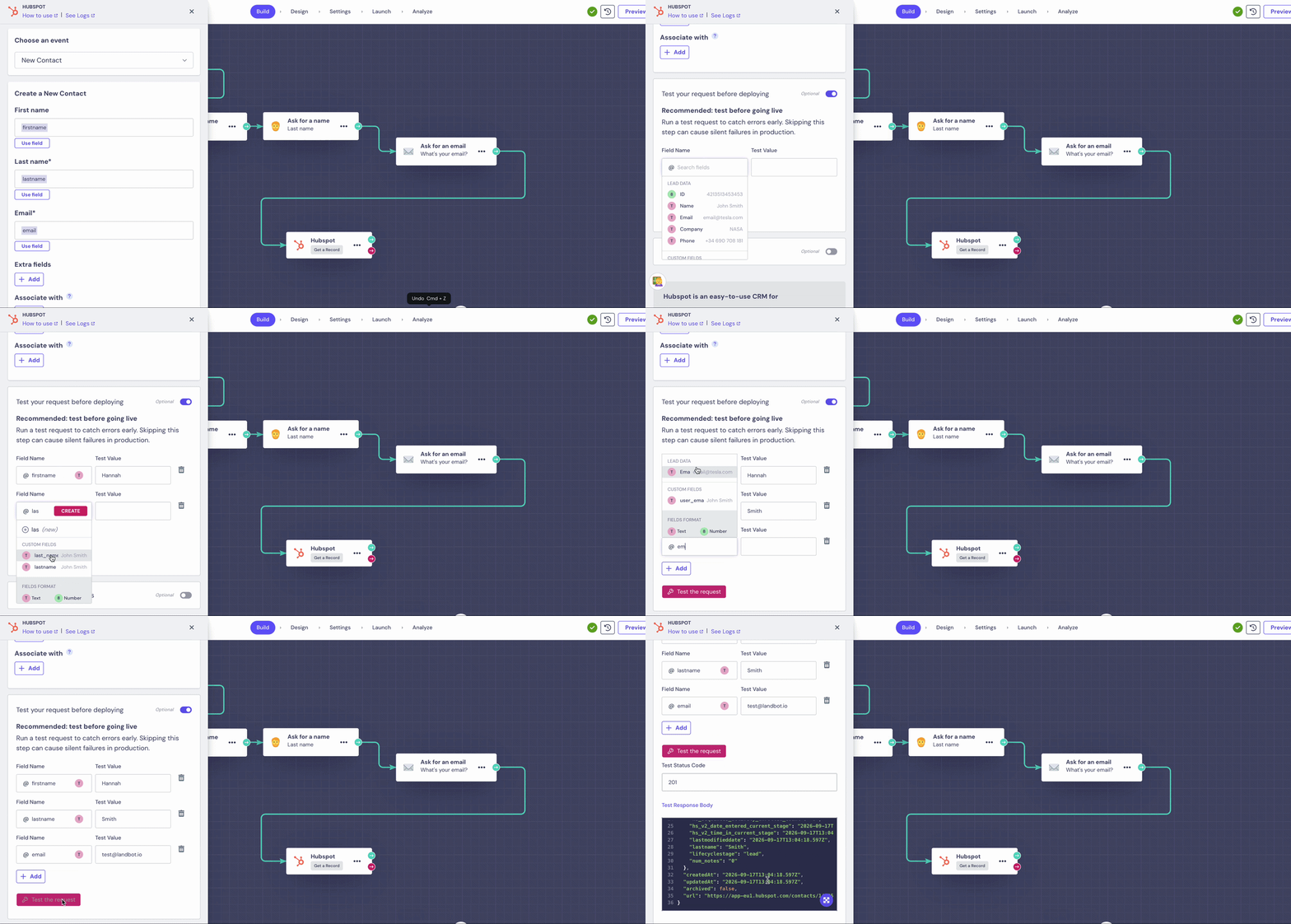
5️⃣ Test the event. This creates a real record in HubSpot.
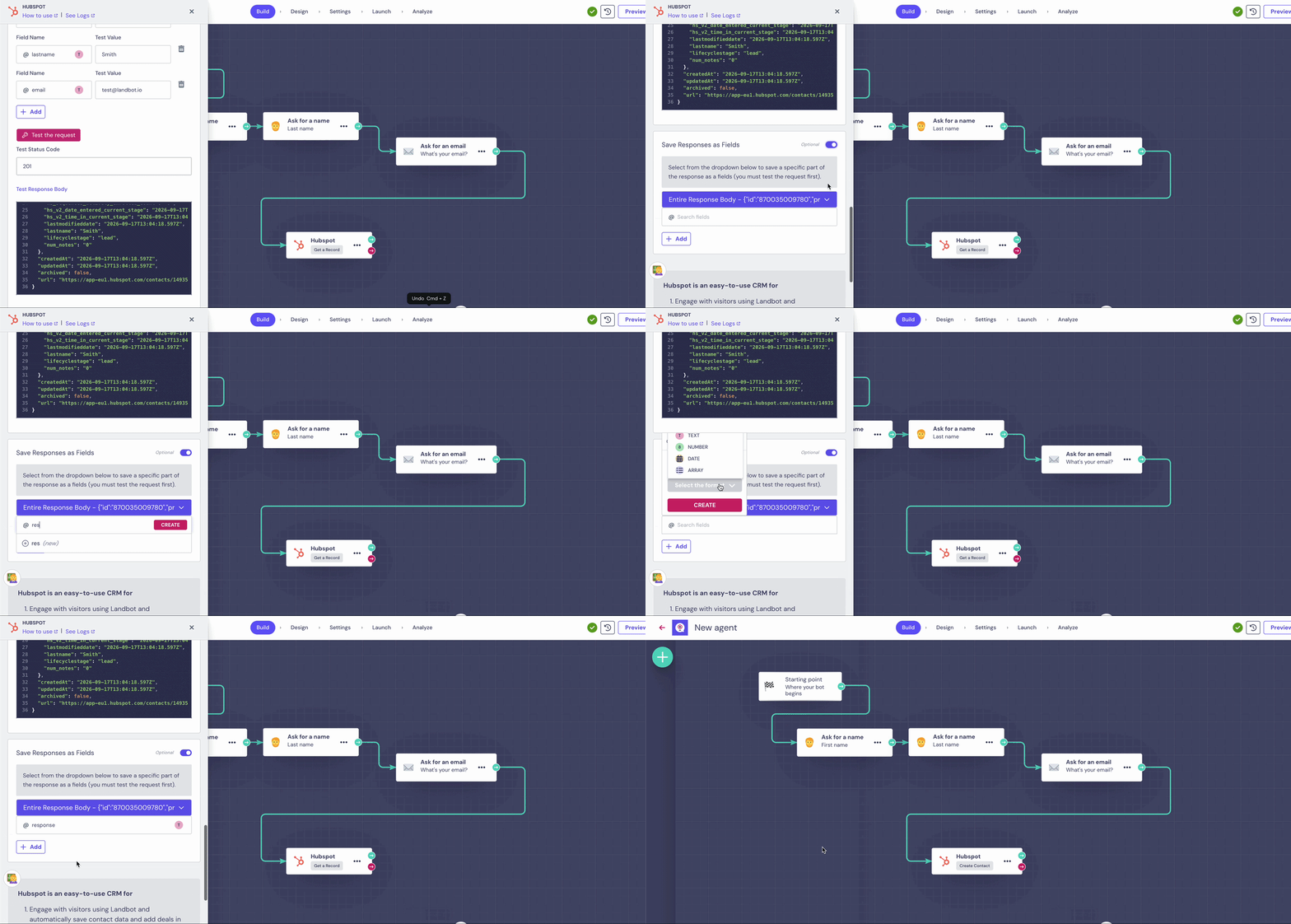
6️⃣ Save the response and apply your changes.
Which channels support this feature?
The HubSpot integration block is fully compatible with Web, WhatsApp, and Facebook Messenger.